
An online AI photo editor that works from your words
Most photo editors make you learn layers, masks and brushes before you can change a background. The EnhancerPro AI Photo Editor flips that around. You upload a picture, write what you want in a sentence, and a generative model repaints the image to match. It is the quickest way we know to turn a snapshot into a listing photo, a profile picture or a social post without opening desktop software.
Because the editor creates new pixels, it sits apart from the rest of our site. Our photo enhancer, upscaler and restoration tool promise not to invent details. This editor is built to invent them on purpose, which is why every result carries an “AI-generated edit” label.
What you can do with text-based photo editing
Swap or clean up a background
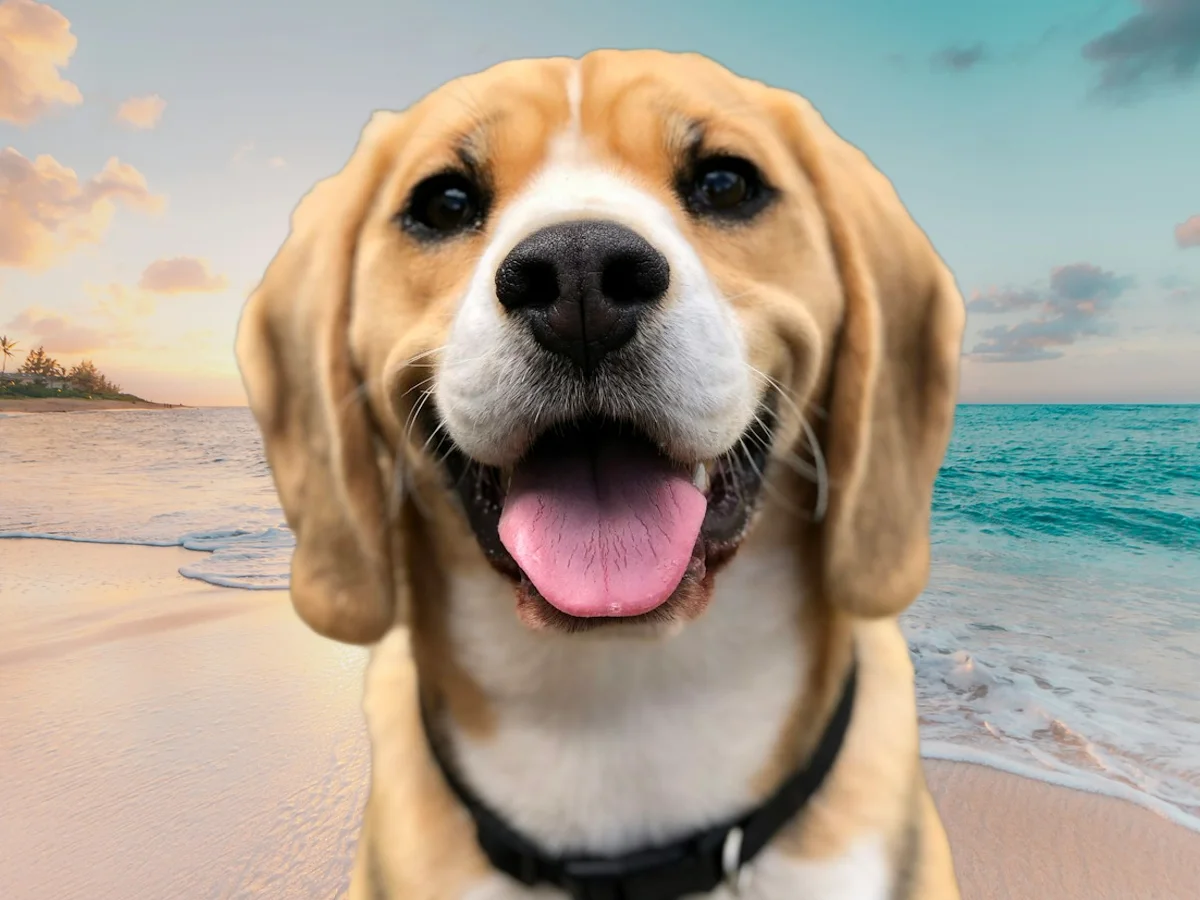
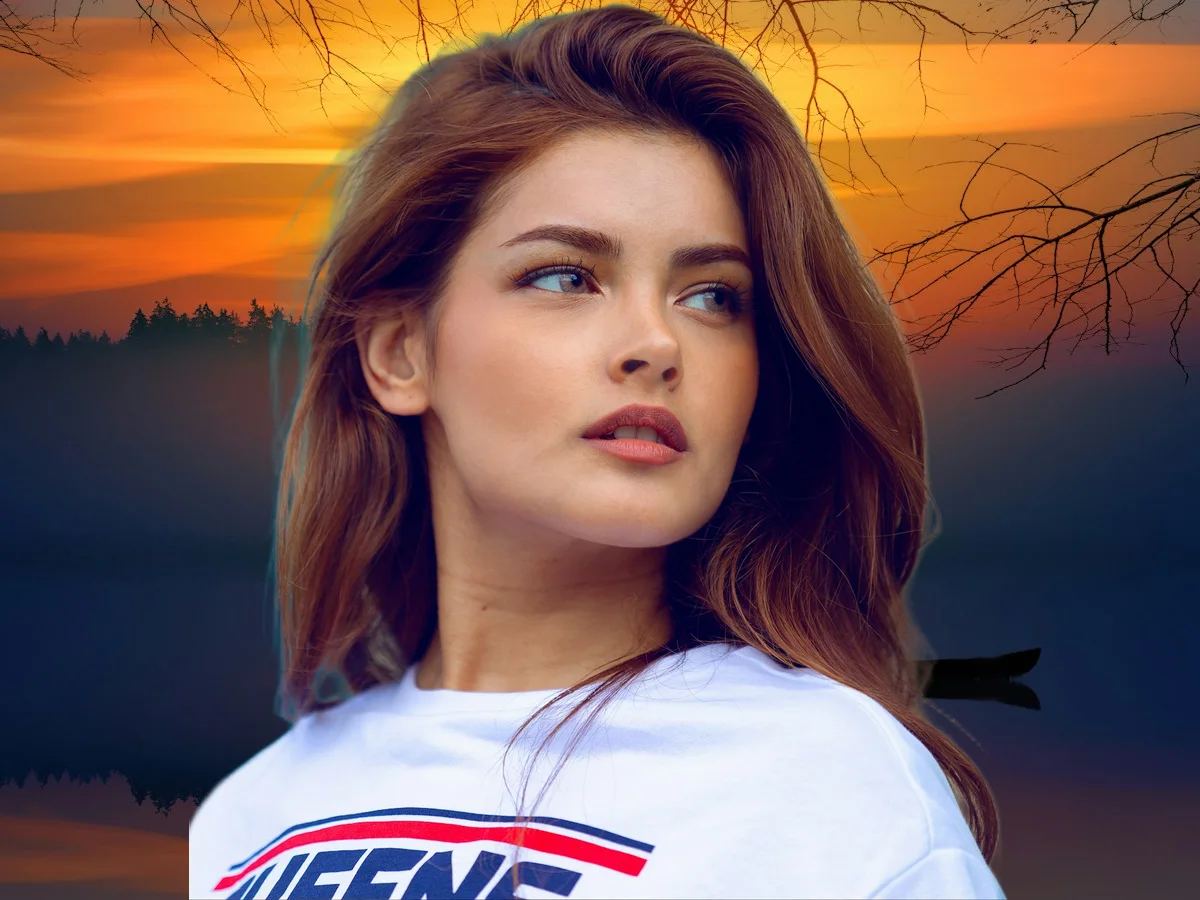
Ask for “a bright café behind her” or “a plain light-grey studio wall”. The models keep the subject’s outline and lighting direction, then paint a new scene around it. If you only need a transparent cut-out, the free background remover is faster and does not change the subject at all.
Product photos for online stores
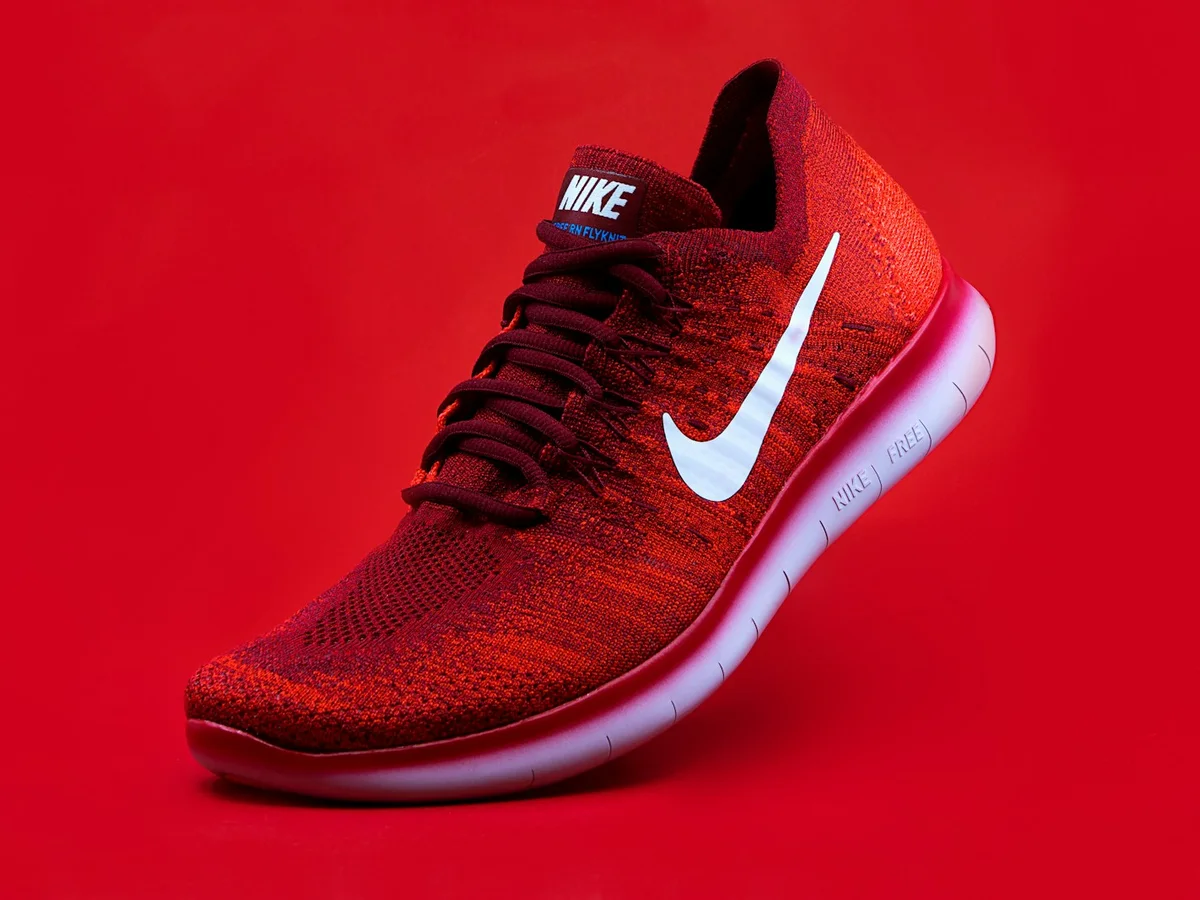
Marketplaces want products on white with a soft shadow. Upload a phone photo of the item, tap the Product on white preset and generate. Add a second image of a prop or a texture and describe how to combine them for lifestyle shots.
Portraits: hair, outfits and lighting
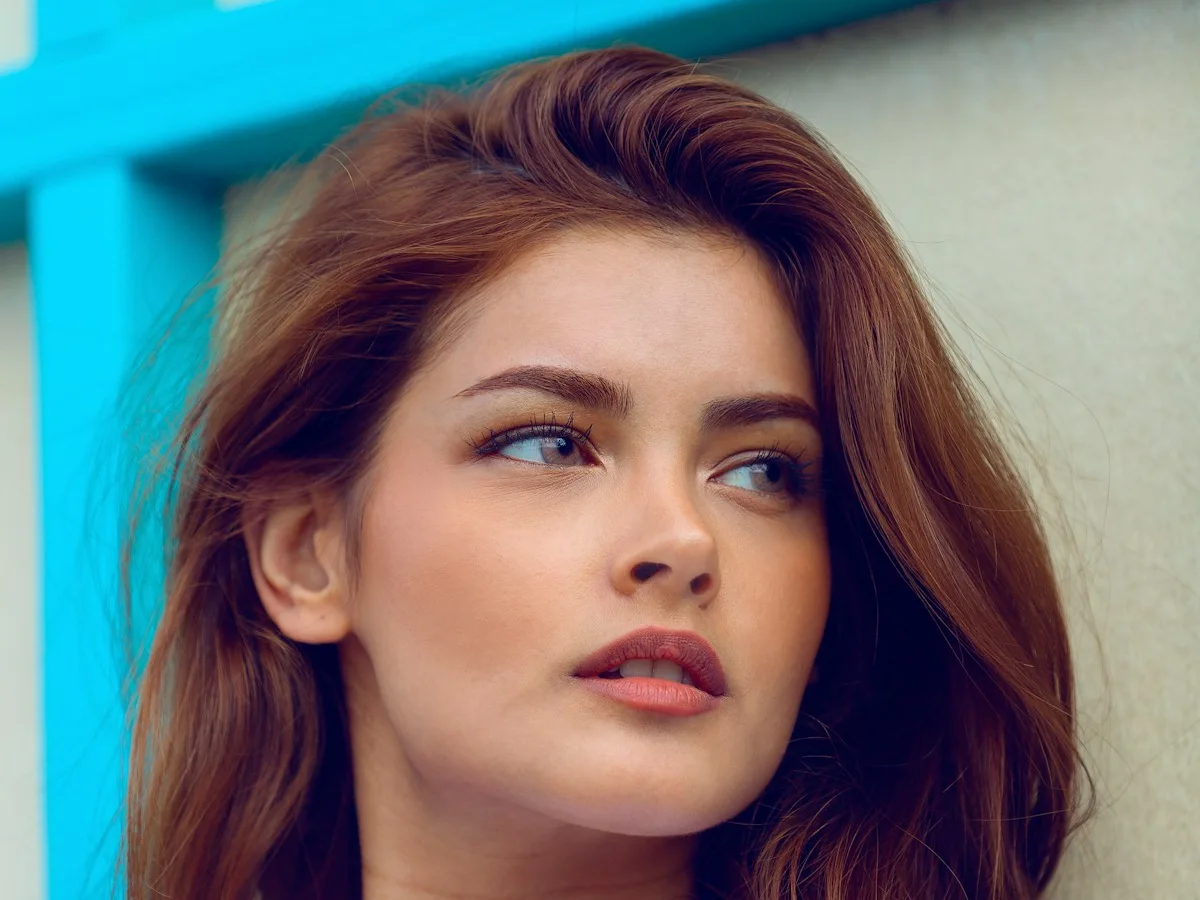
Try a new hairstyle before the salon, dress a headshot in a blazer, or warm up flat indoor light. Say clearly what must not change, for example “keep the face and expression unchanged”, and the result stays closer to the person in the photo.
Skies, seasons and mood
Replace a grey sky with a sunset, turn summer into snow, or make a daytime street look like dusk. These edits work best on landscape and architecture photos where nothing needs to match a real-world record.
Choosing the right AI model
Every model reads the same prompt, but each has a different strength. The credit cost appears on each card before you generate.
- Nano Banana (Google) — Follows plain-language edits closely and keeps faces, colors and layout steady. A great default. 5 credits per edit, combines up to 2 images.
- Seedream 4 (ByteDance) — Strong at new backgrounds, outfits and styles, with sharp output up to 2K. 4 credits per edit, combines up to 2 images.
- FLUX Kontext Pro (Black Forest Labs) — Precise local edits such as text, objects and lighting on a single photo. 5 credits per edit, combines up to 1 image.
- Nano Banana Pro (Google) — Google's top editing model: best detail, text and realism, up to 2K. 18 credits per edit, combines up to 2 images.
Start with Nano Banana for everyday edits. Switch to Seedream 4 for bold restyles at 2K, FLUX Kontext Pro for careful local changes on one photo, and Nano Banana Pro when the result must hold up at full size, with clean text and realistic skin.
How to write prompts that work
- Say what changes and what stays. “Replace the background with a beach; keep the person, pose and clothes unchanged” beats “beach”.
- Be specific about light and style. “Soft golden-hour light from the left” gives more control than “nicer lighting”.
- One idea per edit. Make a change, then use Continue editing for the next one. Small steps drift less than a long list.
- Use a reference for objects. Upload the exact jacket, logo or product as the second image instead of describing it.
- Check faces and text at full size. Generative models can alter small letters, fingers and facial features.
Credits, privacy and safety
The editor uses the same credit balance as our other Pro tools, and credits are charged only after an edit succeeds. Every account gets 5 free credits each week, and Plus and Pro plans add hundreds more. Your photo and result are stored for 24 hours so they appear in Your recent edits, then deleted. Photos are sent only to the model you choose, through Replicate, and are not used by EnhancerPro for training.
We screen prompts and the providers run their own safety filters. Sexual content involving minors, undressing or intimate edits of real people, and misleading edits of real public figures are blocked under our acceptable use policy. Read more about how we label AI output on our responsible AI page.